Strava is a ride-recording and social platform. You can record with its phone app or upload activities from a compatible cycling computer, then review the route, distance and other recorded data. It works as a training diary and a way to keep up with other riders, without needing every outing to become a leaderboard attempt.
Recording your first ride
Create an account, review privacy settings and choose the correct sport before recording. A phone needs suitable location permissions and enough battery. If using a Garmin, Wahoo or another compatible device, connect its service to Strava and check that a short test activity uploads correctly.
Avoid recording the same ride on several devices unless you know how you will manage duplicates. Pause behaviour, GPS reception and device settings affect the figures. Moving time and elapsed time answer different questions: one concerns time in motion, while the other includes stops.
Heart rate, cadence and power depend on the information supplied by your setup. Estimated power is not a power-meter measurement. GPS traces and elevation processing can also make two riders’ records of the same outing slightly different.
The social side
Activities can include photos, descriptions and comments, while clubs and challenges offer ways to share progress. Decide who you want to see your rides before making a detailed diary public. A familiar café or photograph can reveal location information even when part of the map is hidden.
What are segments?
Segments are defined stretches of road or trail for comparing recorded efforts. They can provide a local benchmark, but wind, drafting, traffic, GPS error and conditions affect times. A faster segment does not necessarily mean a larger fitness improvement.
Use the correct activity type, especially for e-bike rides, and do not chase a time through traffic or busy shared paths. Our guide to cycling speeds in racing and training explains why speed needs context.
Free account or subscription?
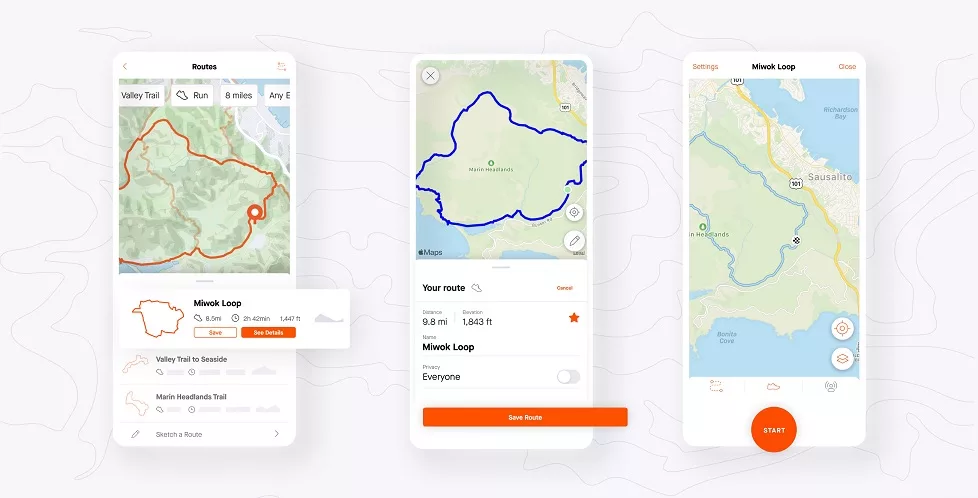
A free account covers core recording, activity sharing and social use. Subscription features include more extensive segment analysis and leaderboards, route tools and additional training analysis. The feature set and purchase options can change, so compare the current offer in your account with what you will actually use.
Start with the free service if you mainly want a ride log. A subscription is easier to justify when you regularly plan routes or analyse efforts. Check renewal terms and the total price before accepting a trial.
Set privacy before building a ride history
Activity visibility and map visibility are separate controls. You can restrict who sees an activity and hide portions of its map, including starts and finishes. Hiding a start point does not make an otherwise public activity private. Review account defaults and existing activities separately.
Check profile visibility, group-activity controls and other sharing options too. To protect a home or workplace location, consider the whole pattern of rides and photographs. Review connected third-party services and remove access you no longer need.
Use routes and data with judgement
A popular route or heatmap shows that people have recorded activity there, not that it is a legal cycling right of way or a suitable surface. Check access and restrictions before following a route. Our guides to gravel riding in the Midlands and the South West explain why local conditions matter.
For training, compare similar efforts over time and note fatigue, weather and interruptions. Strava is most useful when it helps explain your riding, rather than when one number decides whether the day counted as a good ride.